
Extended Syntax
Table
Table use the multimd-table extension of markdown
markdown
|             |          Grouping           ||
First Header  | Second Header | Third Header |
 ------------ | :-----------: | -----------: |
Content       |          *Long Cell*        ||
Content       |   **Cell**    |         Cell |

New section   |     More      |         Data |
And more      | With an escaped '\\|'       ||
[Prototype table]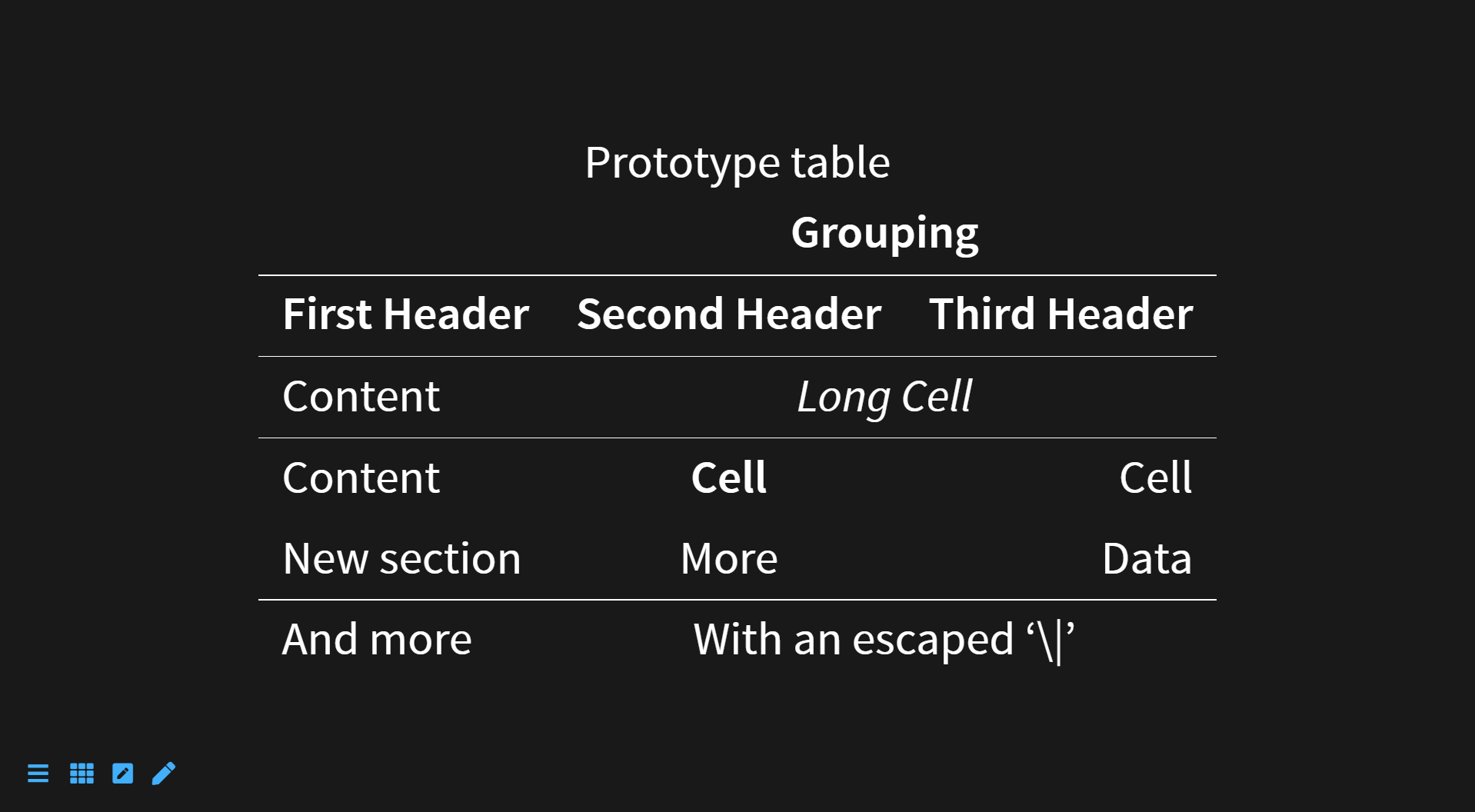
Classes, identifiers and attributes to your markdown
markdown
# header {.some-class style="background:blue"}
paragraph {data-toggle=modal}
Fragments in markdown (without HTML)
markdown
- First point {.fragment}
- Grow {.fragment .grow}
- Highlight {.fragment .highlight-red data-fragment-index="2"}

Reveal this paragraph later {.fragment .fade-up}
Abbreviation
markdown
*[HTML]: Hyper Text Markup Language
*[W3C]:  World Wide Web Consortium
The HTML specification
is maintained by the W3C.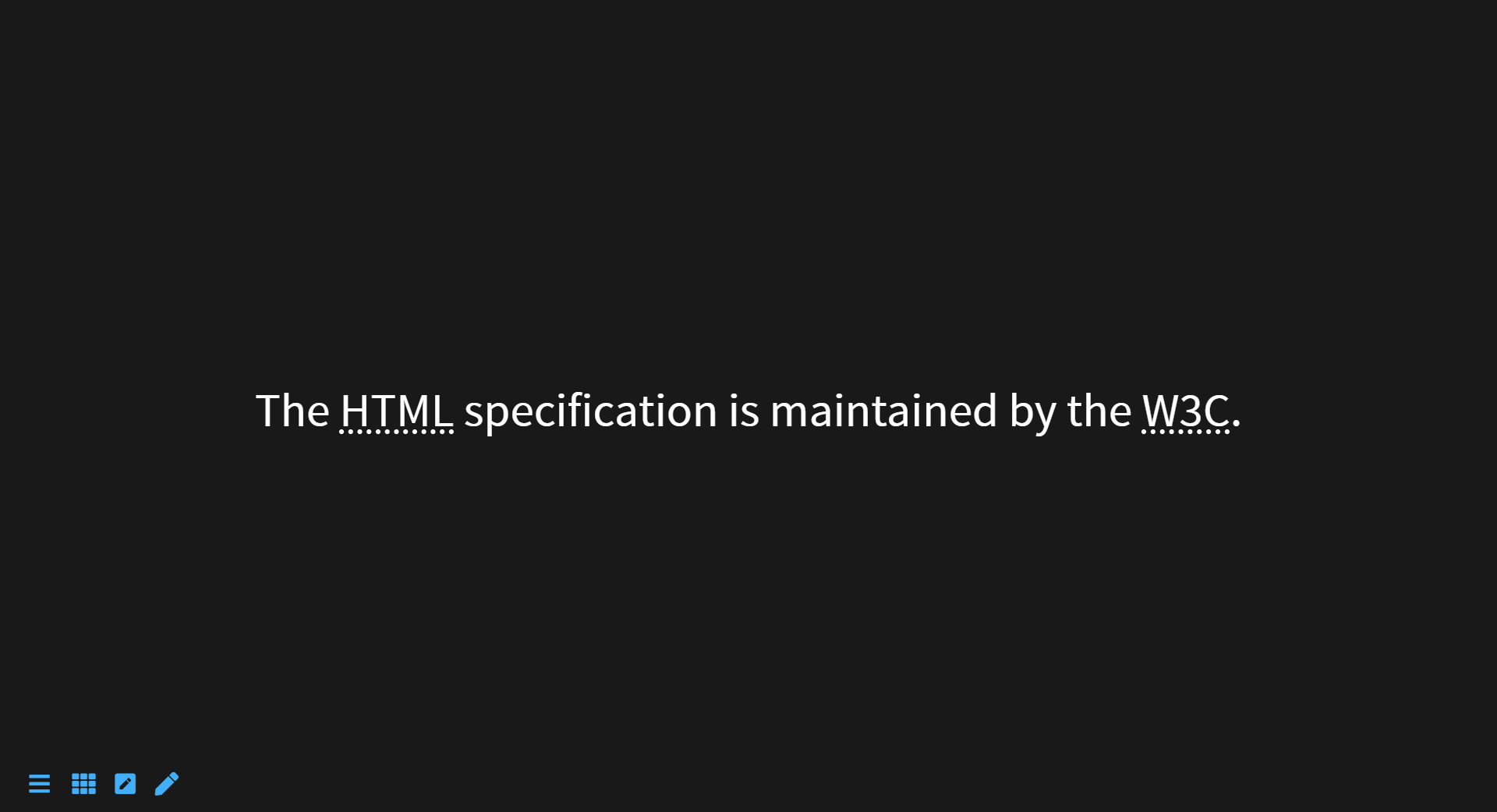
Attribution
The plugin allows to provide an attribution for a quotation:
markdown
> That's one small step for [a] man, one giant leap for mankind.
> — Neil Armstrong (1969, July 21)
html
<figure class="c-blockquote">
  <blockquote>
    <p>
      That's one small step for [a] man, one giant leap for mankind.
    </p>
  </blockquote>
  <figcaption class="c-blockquote__attribution">
    Neil Armstrong (1969, July 21)
  </figcaption>
</figure>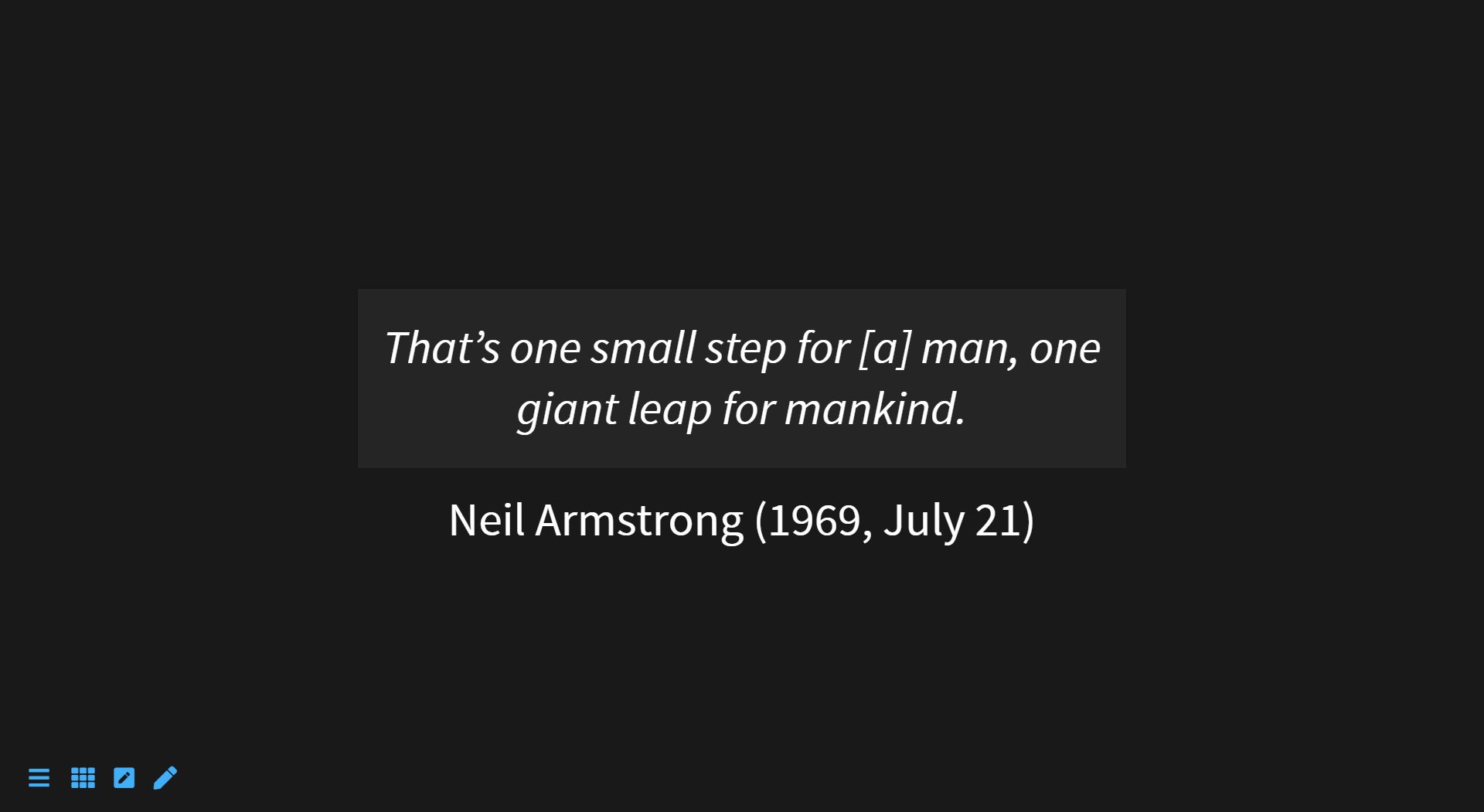
Definition list
Syntax is based on pandoc definition lists.
markdown
Term 1

:   Definition 1

Term 2 with *inline markup*

:   Definition 2

        { some code, part of Definition 2 }

    Third paragraph of definition 2.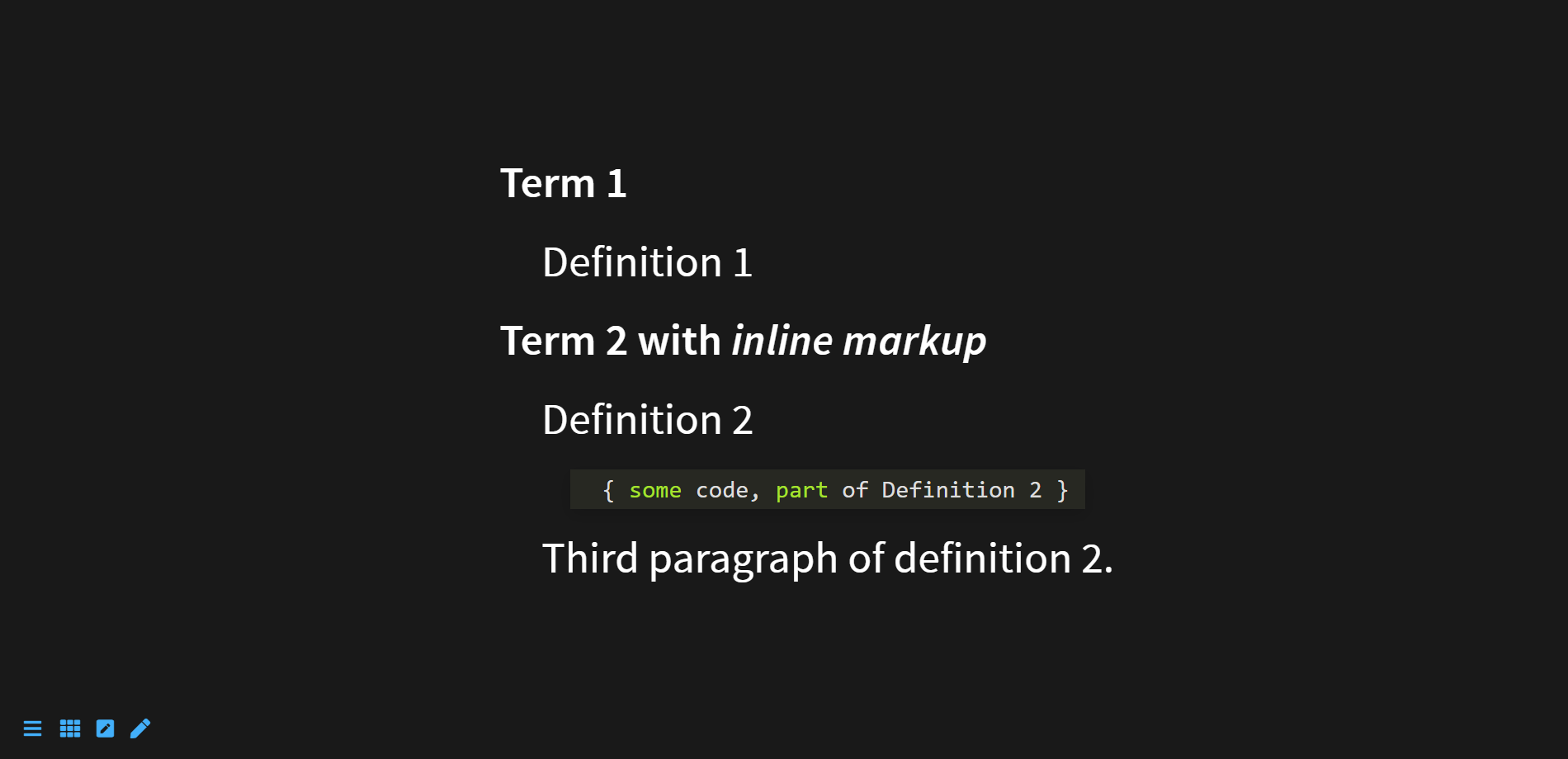
Font Awesome icons
markdown
:fa-address-card:
:fa-align-left:
:fa-ambulance:
:fa-american-sign-language-interpreting:
:fa-anchor:
:fa-audio-description:
:fa-battery-full:
:fa-box-open:
:fa-broadcast-tower: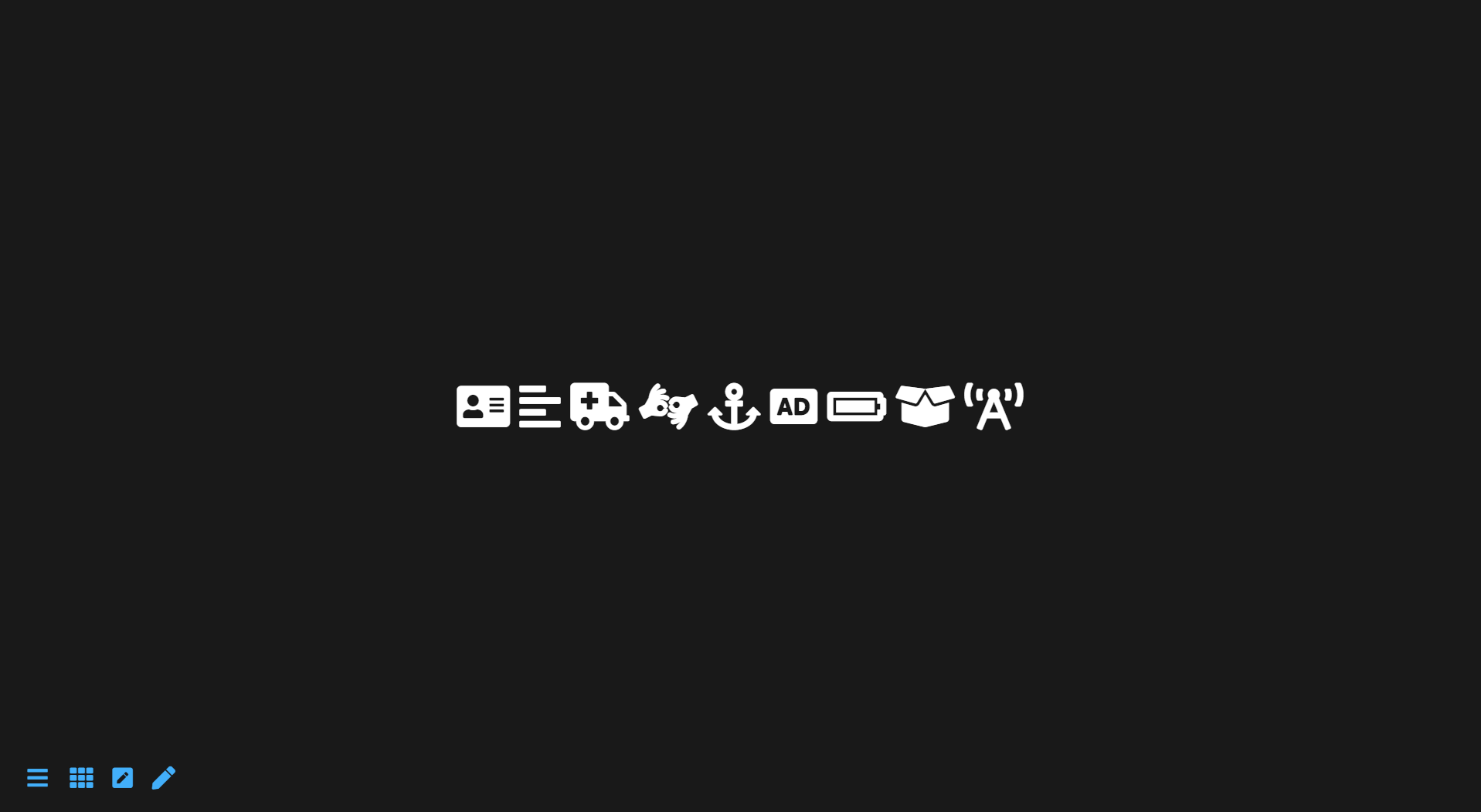
Other html inline
markdown
++inserted++

[[x]]

==marked==

´´´
result
´´´

H~2~0

29^th^
html
<p><ins>inserted</ins></p>
<p><kbd>x</kbd></p>
<p><mark>marked</mark></p>
<pre><samp>result
</samp></pre>
<p>H<sub>2</sub>0</p>
<p>29<sup>th</sup></p>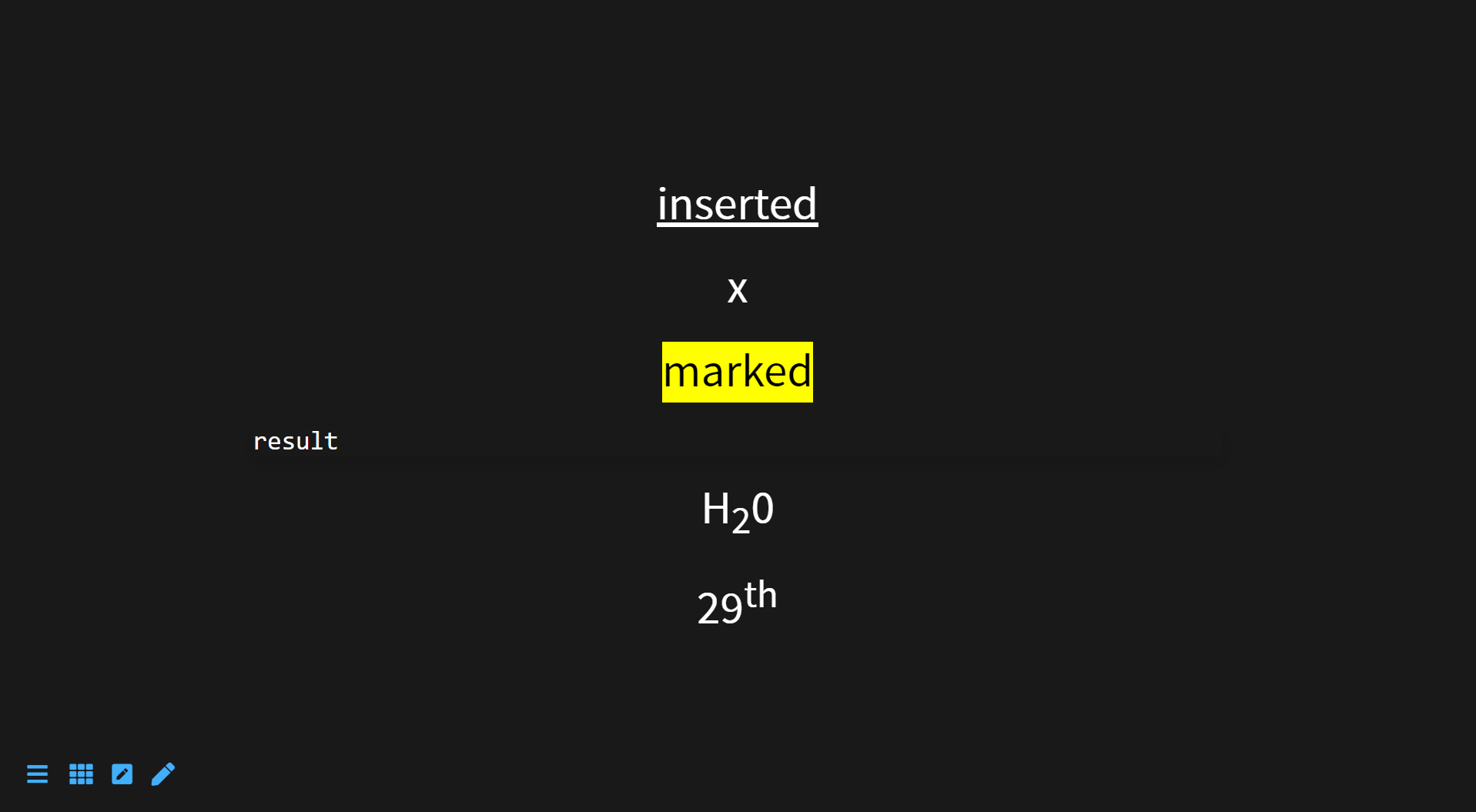
GitHub-style task lists
markdown
- [ ] Mercury
- [x] Venus
- [x] Earth (Orbit/Moon)
- [x] Mars
- [ ] Jupiter
- [ ] Saturn
- [ ] Uranus
- [ ] Neptune
- [ ] Comet Haley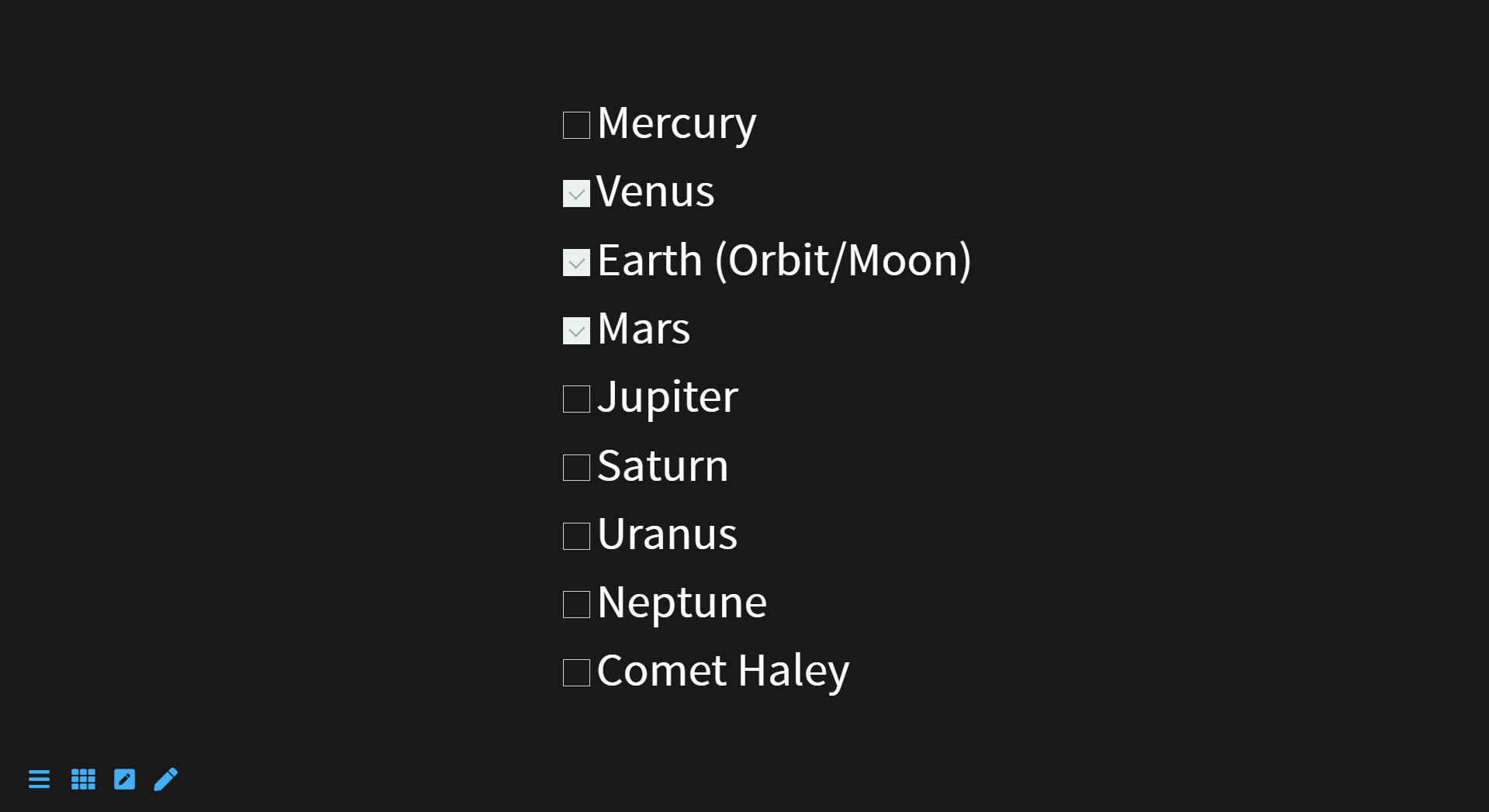
Block
Create block divs and nest divs within each other as well.
markdown
::: id=my-id class=blog-post
content
:::

::: #my-id .blog-post
content
:::
html
<div id="my-id" class="blog-post">
<p>content</p>
</div>
Iframe
markdown
/i/https://www.youtube.com/embed/kurZDZ5jT2Y